Call us on +254724495659 or +254708744335 to place your order.

Call us on +254724495659 or +254708744335 to place your order.

Hotline Order:

Email ID:
sales@scartek.co.ke
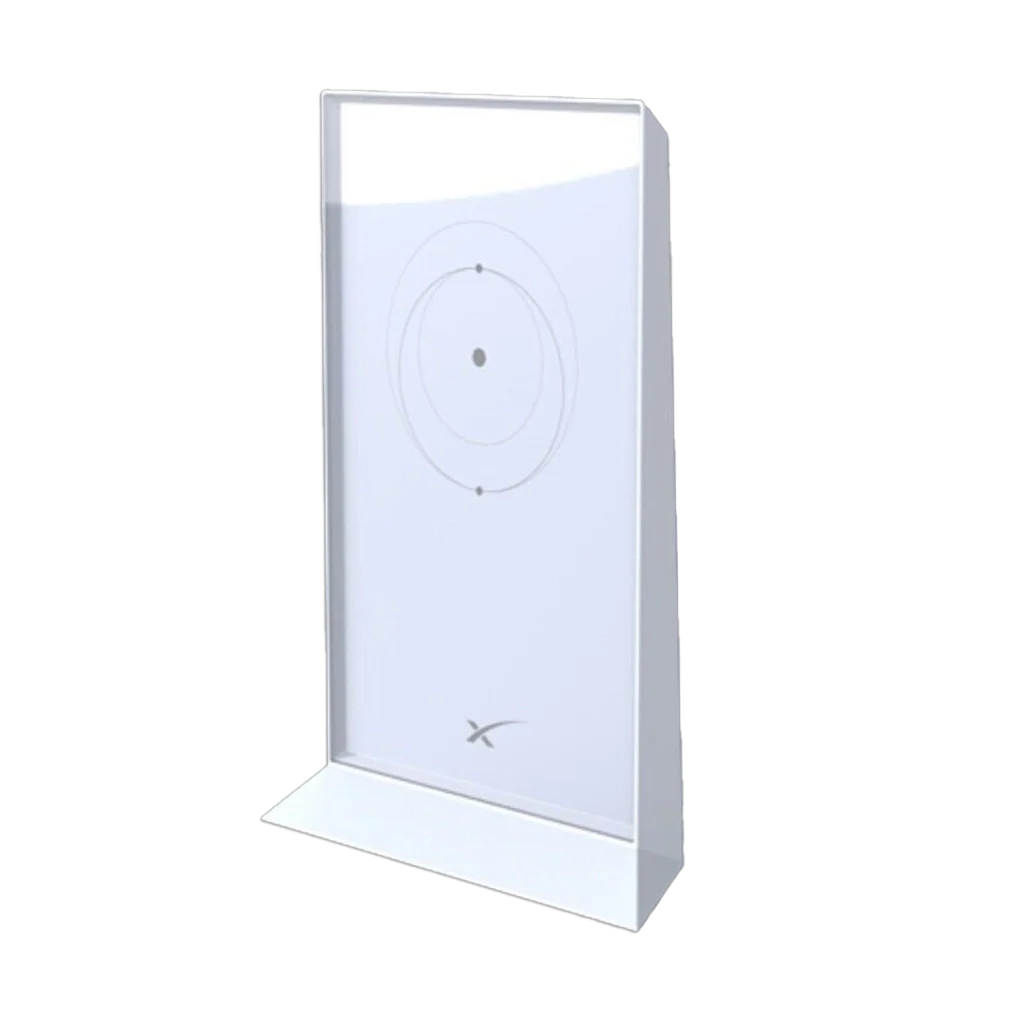
Starlink Gen 2 Router V2
KSh27,999
- Expand your Starlink network with the Starlink Gen2 Mesh WiFi Router and enjoy seamless WiFi coverage throughout your home or office. Eliminate dead spots and enjoy a stable and fast WiFi connection. Easy setup and optimal performance for streaming, gaming, and working from home. Compatible with second-generation Starlink systems.
-
Starlink Gen 2 Router (V2)
The Starlink Gen 2 Router, often referred to as the V2 router, is the second-generation wireless router provided with SpaceX’s Starlink satellite internet kits, introduced in 2021 and still in use with some kits in 2025. It was designed to pair with Starlink dishes (like the Gen 2 rectangular dish or Standard Actuated dish) to deliver high-speed, low-latency internet, particularly for homes, RVs, or remote locations. While it has been largely superseded by the Gen 3 (Wi-Fi 6) router, the V2 remains relevant for many users due to its reliability and compatibility.
Key Features
- Wi-Fi Technology: Dual-band Wi-Fi 5 (802.11ac) with 3×3 MU-MIMO, operating on 2.4 GHz and 5 GHz bands. Supports up to 128 simultaneous devices, though performance may degrade with heavy loads compared to the Gen 3.
- Coverage: Up to 2,000 sq ft (185 m²), suitable for small to medium homes. Supports mesh networking with up to 12 Starlink Mesh Nodes (Gen 2 or Gen 3 compatible) for extended coverage.
- Ports and Connectivity: One proprietary Ethernet port for connecting to the Starlink dish via a custom cable (included). No additional LAN ports, requiring an Ethernet adapter for wired devices.
- Design and Durability: Sleek, white, circular design (dimensions: 4.2 x 4.2 x 1.5 inches; weight: ~1 lb). IP54-rated for dust and splash resistance, operating in temperatures from 32°F to 104°F (0°C to 40°C). Indoor use only.
- Security: WPA2 encryption standard.
- Power: Powered via a 100-240V AC adapter; includes Power over Ethernet (PoE) injection for the dish through the proprietary cable, simplifying setup compared to Gen 3.
- Compatibility: Works with Starlink Gen 2 rectangular dish, Standard Actuated dish, older circular dishes, and newer Dish V4 (with adapter). Not compatible with third-party mesh systems.
Setup Guide
- Unbox the router and connect it to the power supply (included).
- Attach the proprietary Ethernet cable from the dish to the router’s port.
- Download the Starlink App (iOS/Android) to configure: Follow prompts to connect to the dish and set up Wi-Fi (name and password) under Settings > Wi-Fi Settings.
- For wired connections, purchase the Starlink Ethernet Adapter and plug it into the router’s port, then connect devices via standard Ethernet cables. Setup takes 5-10 minutes; no professional installation needed.